GSU-K02/L
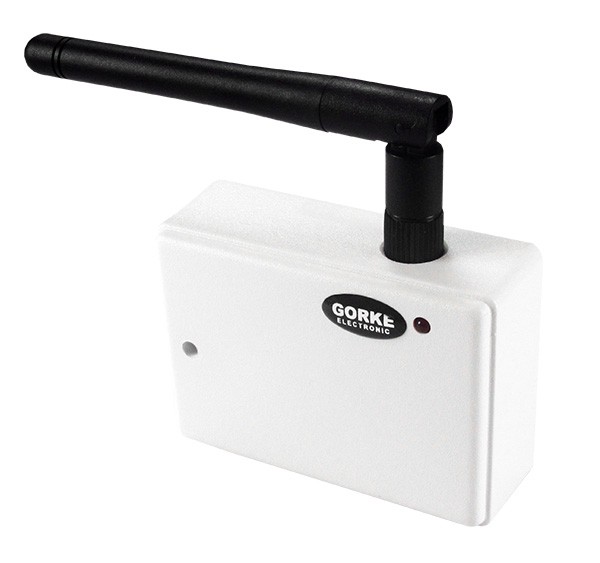
GSM controller (LTE) at the gate drive: a free call from an authorised number opens the gate, a text-message command the pedestrian gate.
Quantity: 1
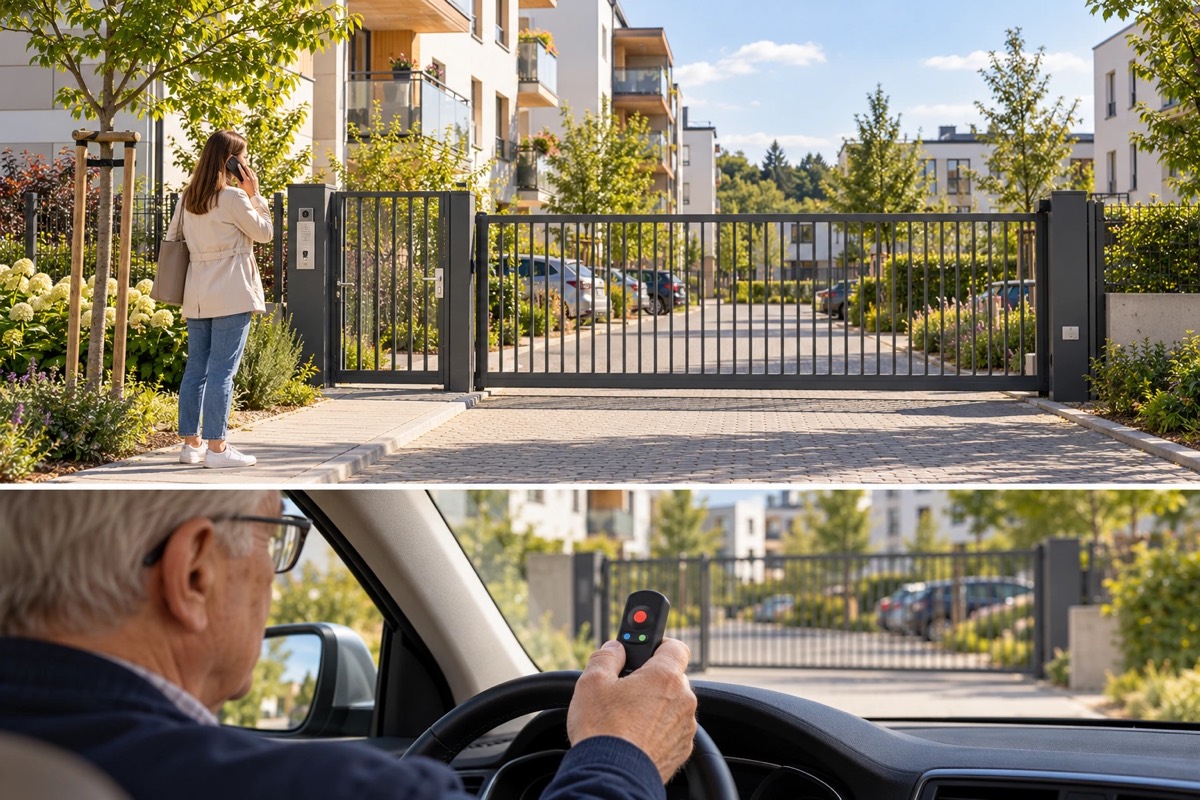
A GSM controller and a radio kit at one sliding gate and a pedestrian gate: a phone on the authorised list opens the gate, and residents who do not want to open it by phone use remotes.
01 / Investment context
The association has nine flats, a shared courtyard with a sliding gate and a pedestrian gate. The gate is opened with remotes. Remotes get lost, and ordering, programming and accounting for new ones falls on the association’s board — with every lost remote and every change of tenant.
A phone solves this: the authorisation is a number on a list, which cannot be lost. Some older residents, however, do not want to open the gate by phone — they prefer a single button they can feel to dialling a number in the car or with shopping in their hands. The solution therefore has to work in two ways at once, on the same gate.
The investor’s goal: Two ways to open the same gate — a phone on the authorised list and a remote — so that the board no longer has to order remotes for every resident.
A GSM controller (GSU-K02/L) with a SIM card works at the gate drive. A resident calls the gate’s number from a phone on the authorised list; the call is free of charge (CLIP), and the controller switches the output wired to the drive’s control input. The list holds one number per flat, and changes to it are made by the board.
The call opens the gate, and the controller’s second channel releases the pedestrian gate’s lock on a text-message command.
A two-channel receiver from a kit (ANT-K02/1) is connected in parallel to the same drive input. Residents who prefer a button, and other household members, get a three-button remote (PUK-303): one button opens the gate, another the pedestrian gate. The remote’s main button sits in a recess — easy to feel, hard to press by accident.
02 / Operating principle
The gate opens on a free call from a listed number, or with a remote — for residents who prefer a button.
01 / Signal source
Phone A number on the authorised listThe resident calls the gate’s number; the call costs nothing.
02 / Reception
GSU-K02/L GSM controller at the gate driveOn a call from a listed number it switches the output wired to the drive.
03 / Action
Gate and pedestrian gate The controller’s two channels Gate + Pedestrian gateA call opens the gate, and a text-message command releases the pedestrian gate’s lock.
A phone number cannot be lost. When a tenant changes, the board changes the number on the list, and nothing has to be collected from the resident or reordered.
01 / Signal source
PUK-303 Three-button remoteThe main button is easy to feel and hard to press by accident.
02 / Reception
ANT-K02/1 Two-channel receiver from the kitRecognises the remote and sends a pulse to the same drive input.
03 / Action
Gate and pedestrian gate The receiver’s two channels Gate + Pedestrian gateOne button opens the gate, another the pedestrian gate.
Anyone who does not want the phone opens the gate by remote. The receiver works in parallel with the GSM controller on the same drive input, so both ways work at the same time.
A simplified functional diagram.
03 / Installation components
An example selection — the number of devices depends on the site.
GSM controller (LTE) at the gate drive: a free call from an authorised number opens the gate, a text-message command the pedestrian gate.
Quantity: 1
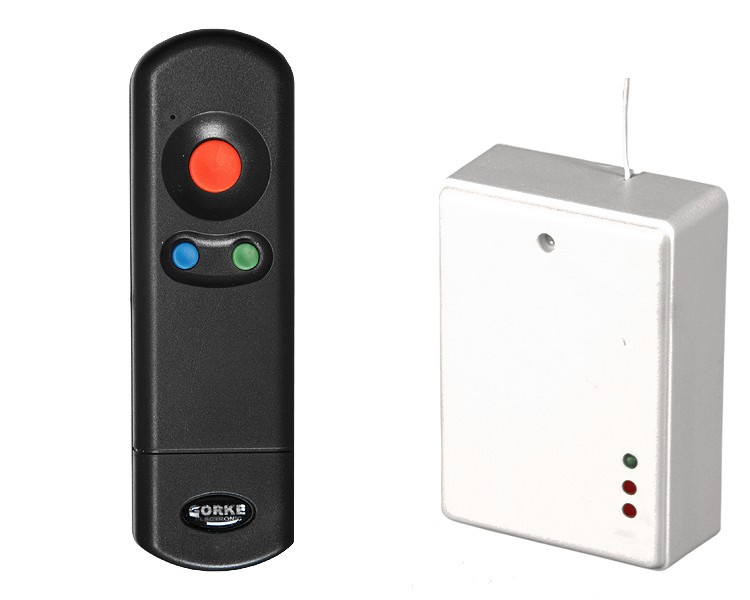
Kit: two-channel RSU-K02 receiver in the drive housing and a PUK-303 remote, range approx. 300 m. Channel 1 — gate, channel 2 — pedestrian gate. Receiver powered at 12 V DC.
Quantity: 1
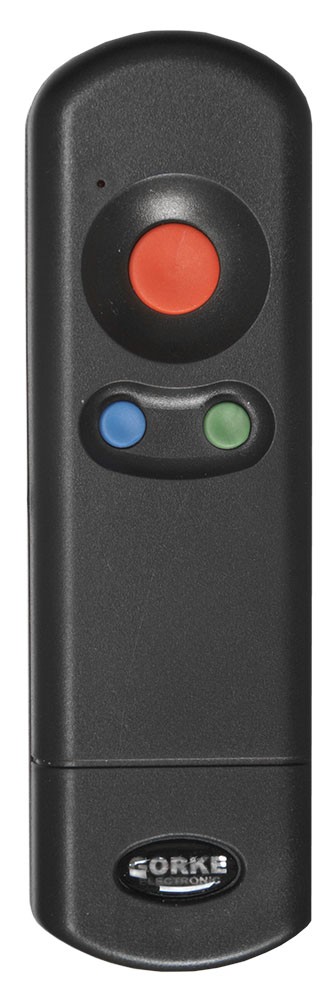
Additional three-button remotes for residents who prefer a button and for other household members. Main button in a recess, 9 V battery.
Quantity: as needed
Catalogue figures describe a device under stated conditions, usually in open terrain, and are not a guaranteed range in every installation. Device quantities in the examples are indicative.
04 / Value for the investor
The authorisation is a number on a list: when a tenant changes, the board changes the number, and nothing has to be collected from the resident or reordered for them.
Anyone who does not want to open the gate by phone has a remote with a button they can feel — both ways work on the same gate at the same time.
Remotes are needed only by those who want them, so the board orders and programs fewer of them than for a gate opened by remote only.
05 / Before installation
Before devices are chosen, what matters is the site’s conditions and how the system ties into the final installation.
Example configuration — it needs a technical selection for your site.
More from this sector
Housing and property
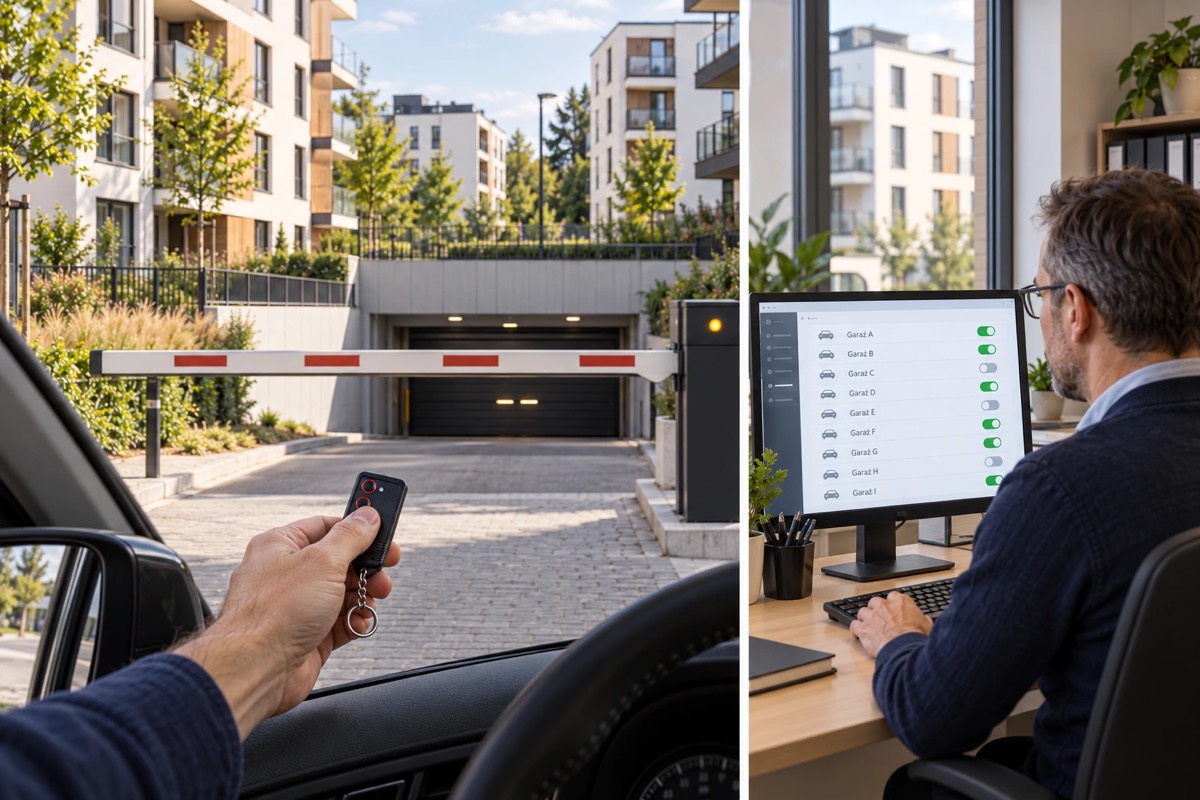
A housing estate in Katowice: one remote control opens the shared barrier and the car park gate of the resident’s part of the estate, and the investor manages the rights of more than 2,000 remotes over the IP network.
Housing and property
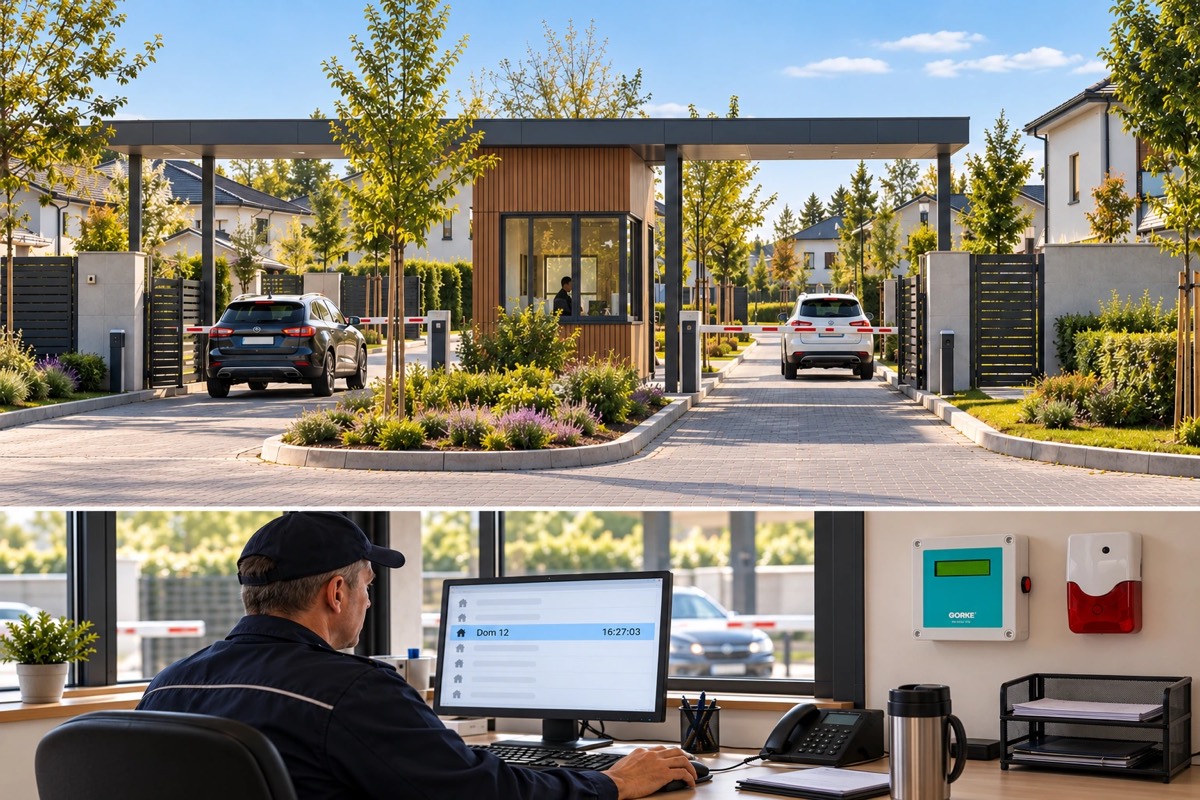
86 houses and about 400 users: a remote control opens the estate gates, and the security staff see on screen in which house an alarm has gone off.
Housing and property
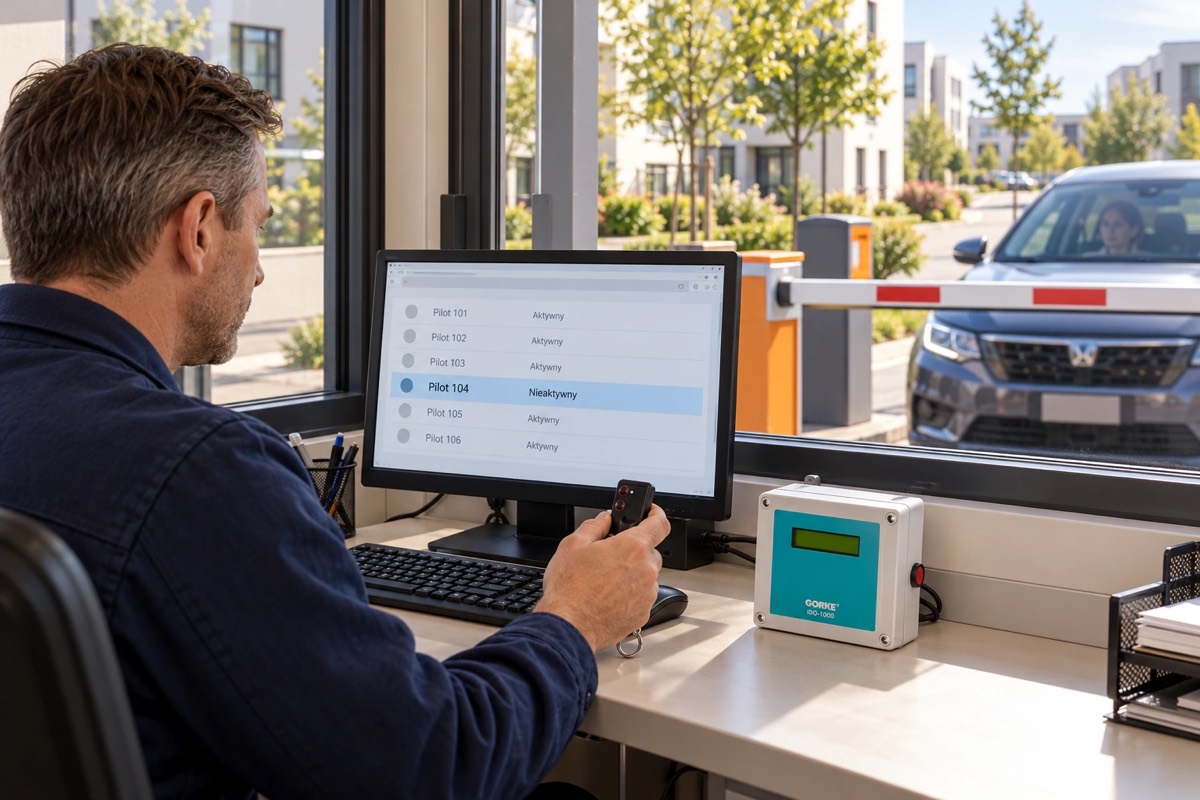
A proposal for a car park with several hundred subscribers and high turnover: remotes blocked for non-payment, lost ones deleted, and an event archive with customer data — all in one program.
A project for your site
Send us the key requirements — GORKE will help define the scope, the technology and the components that fit the investment.