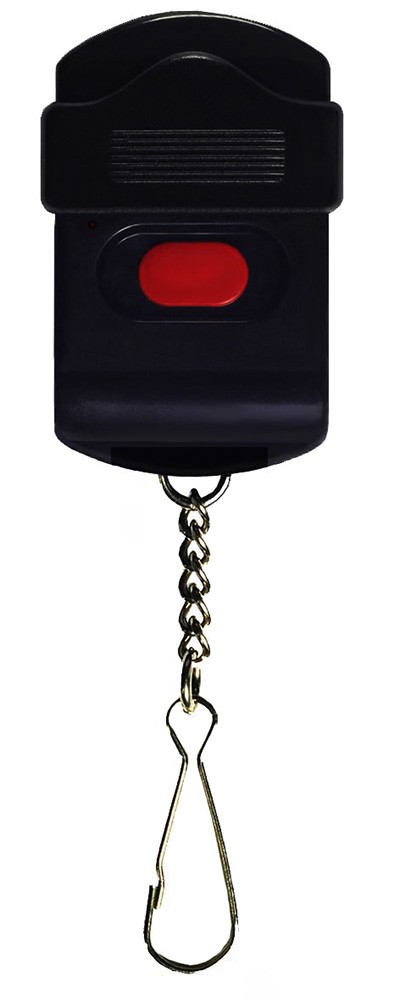
PUK-151
Key fob assigned to a room and carried by the attendant: one key under a sliding cover that prevents accidental presses. Weight 28 g.
Quantity: 14
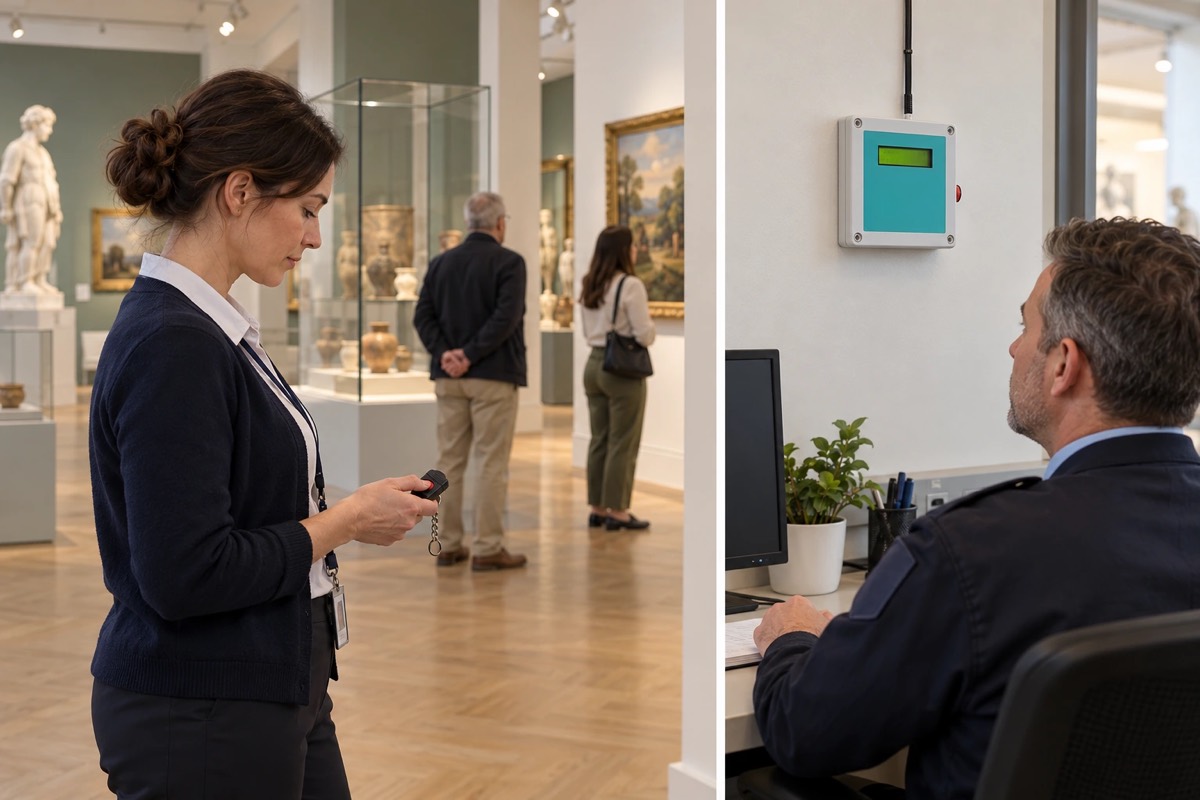
Key fobs assigned to rooms, a receiver showing room names at the security desk, pagers for staff on patrol and a repeater upstairs — in a historic building, with nothing mounted on the walls of the rooms.
01 / Investment context
The museum is housed in a historic building: 14 exhibition rooms on two floors, a ticket desk at the entrance and a security desk. Attendants work in the rooms, and two security staff patrol the building.
A room attendant sometimes needs support: a visitor feels unwell, a group behaves inappropriately, someone touches the exhibits. The attendant should not raise their voice or leave the room unattended, and a phone is not always to hand. Security must know at once which room to go to.
At the same time, the installation must not interfere with the historic interiors: chasing, cables and boxes on the room walls are out of the question, and thick walls and floors weaken the radio signal between floors.
The investor’s goal: The attendant calls for support from the room with one movement, security knows which room it is, and nothing is mounted on the exhibition walls.
Each room has its own key fob with a single key under a sliding cover (PUK-151) that prevents accidental presses. The fob belongs to the room, not to a person: the attendant takes it over together with the room at the start of the shift. At the ticket desk there is a button under the counter (PNP-202).
At the security desk an identification receiver with text labels (IDO-1000U/E) shows the transmitter’s label, for example “Room 7 — call”, and the two staff on patrol receive the call with the room number on pagers (OBI-4SH) in which each room is a separate zone. The labels are entered from a computer via the receiver’s USB port.
The thick walls and floor of the historic building shorten the fobs’ range, so a repeater (RTS-1000) powered by the system’s power supply (SPR-ZS1) works in a staff room on the upper floor. It passes on only the signals of the transmitters programmed into it, so calls from the upstairs rooms reach the security desk on the ground floor and the pagers of the staff on patrol. Its position is set by a range test.
02 / Operating principle
The attendant calls security with a key fob assigned to the room, and the security desk and the patrol know which room.
01 / Signal source
PUK-151 Key fob assigned to the roomThe attendant slides the cover open and presses the key; the ticket desk has an under-counter button.
02 / Transmission
RTS-1000 Repeater upstairsCarries calls from the upstairs rooms through the walls and floor.
03 / Notification
Security Security desk and patrol Receiver + Pagers“Room 7 — call” on the receiver and the room number on the patrol’s pagers.
Security knows which room to go to. The fob belongs to the room, not to a person; the receiver and repeater sit in staff rooms, not on the walls of the rooms.
A simplified functional diagram.
03 / Installation components
An example selection — the number of devices depends on the site.
Key fob assigned to a room and carried by the attendant: one key under a sliding cover that prevents accidental presses. Weight 28 g.
Quantity: 14
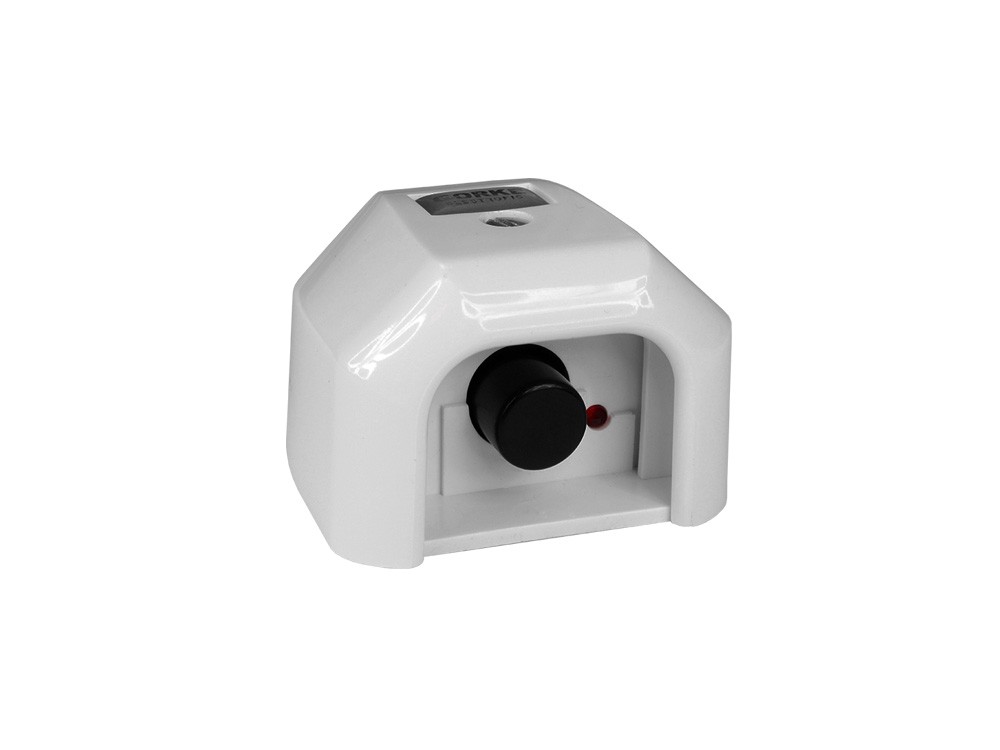
Button under the ticket-desk counter: the cashier calls security with a hand movement visitors cannot see.
Quantity: 1
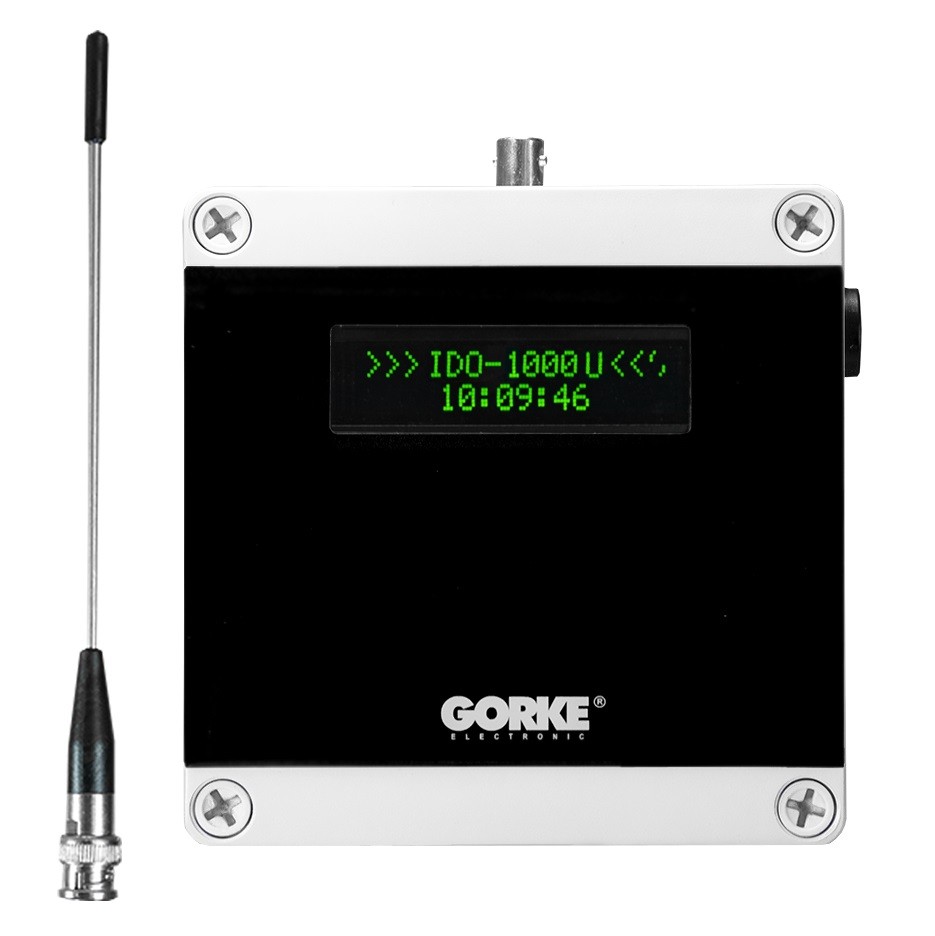
Receiver at the security desk: instead of a number it shows a label, e.g. “Room 7 — call”. Labels are set from a computer via USB.
Quantity: 1
Pager for a security staff member on patrol: the call with the room number reaches them wherever they are. Charged by USB or wirelessly (Qi).
Quantity: 2
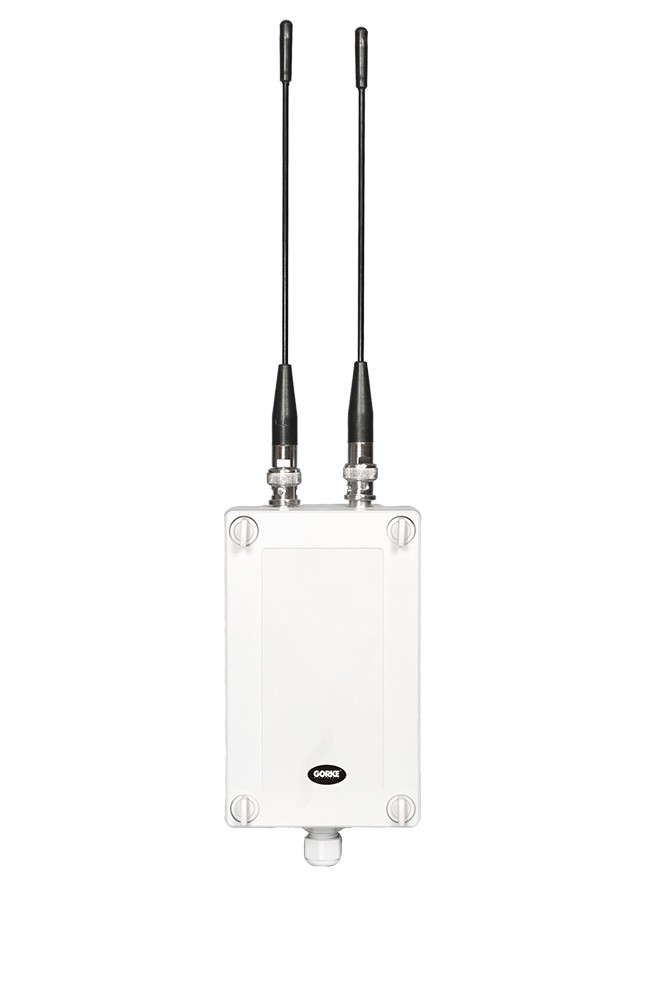
Repeater in a staff room on the upper floor: passes the signals of the fobs in the upstairs rooms on to the security desk and the pagers.
Quantity: 1
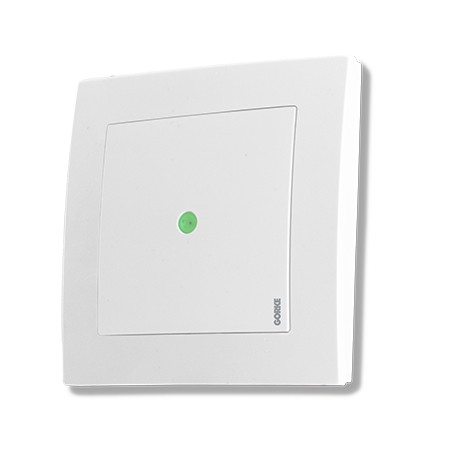
Mains power supply, 230 V AC, next to the repeater, which runs on 12 V DC; mounted in the staff room, not in an exhibition room.
Quantity: 1
Catalogue figures describe a device under stated conditions, usually in open terrain, and are not a guaranteed range in every installation. Device quantities in the examples are indicative.
04 / Value for the investor
Nothing is mounted in the rooms — the key fob sends the call, and the receiver and repeater sit in staff rooms.
The label at the security desk and the number on the pager lead straight to the room, without searching both floors.
The attendant calls for support without raising their voice or leaving, so visitors are not disturbed and the exhibition stays under watch.
05 / Before installation
Before devices are chosen, what matters is the site’s conditions and how the system ties into the final installation.
Example configuration — it needs a technical selection for your site.
More from this sector
Public buildings and events
A shopping centre on several storeys: reed contacts and LX transmitters report the opening of 5 fire doors to the monitoring centre until they are closed.
Public buildings and events
The gold panning competition in Złotoryja: competitors’ stations, the judges’ station, a control point and a results board linked by radio, with times measured to 0.01 s.
Public buildings and events
A municipal office: a call for help from the accessible toilet and a discreet call from under six service desks reach one receiver at the porter’s lodge, with the number of the spot.
A project for your site
Send us the key requirements — GORKE will help define the scope, the technology and the components that fit the investment.